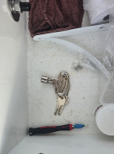
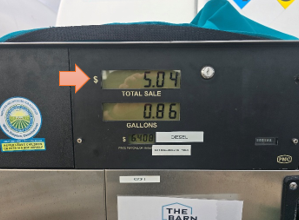
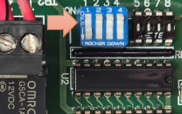
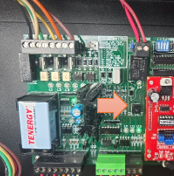
Fuel PMC Fuel House Pumps – Changing Modes By : Josh Burnett September 28, 2026September 28, 2026 0 CONSOLE = Controlled by MarinaGOSTANDALONE = Manual operation, not connected to MarinaGO First you need the fuel pump keys and screwdriver to unscrew the four corner screws that mount the display to the pump. JBD has provided a small screwdriver in the fuel podium drawer to assist with this. Once you have the display loose, sit it on top of the pump, be careful not to pull and cables tight or disconnect them. You should now see the motherboards to the right. Locate the small BLUE BLOCK bank of dip switches Set the FIRST switch to ON by using the small screw driver and press the top of the switch to turn it on. Once you have it set to on, you MUST PRESS the black RESET button. Push and release. The pump should now be in CONSOLE mode and controlled by the MarinaGO Fuel Module. Put display back in place, lock the key area, and reinsert the 4 screws. CHECK THE PRODUCT PRICE TO ENSURE ACCURACY. IF IT NEEDS CHANGED, CHANGE IT IN MARINAGO NOT ON THE PUMP. Post navigation Previous Previous post: Related Posts PMC Fuel House Daughter (RED) Communications Board Instructions September 15, 2026 VeederRoot Fuel Monitoring May 7, 2025